Hello viewers, if you have a BSNL SIM card but don’t know your mobile number, you’re in the right place. Generally, when we buy a new SIM card or can’t use an old one, we forget our own mobile number, and if someone asks for it, you get worried.
But you don’t need to worry because in this blog post, I have given a method by which you can check your BSNL Mobile Number. So let’s begin our blog post on the BSNL Mobile number check code to learn how to check your own mobile number.
| USSD Code | Purpose |
|---|---|
*222# | Primary BSNL Number Check Code |
*1# | Works in Many Regions |
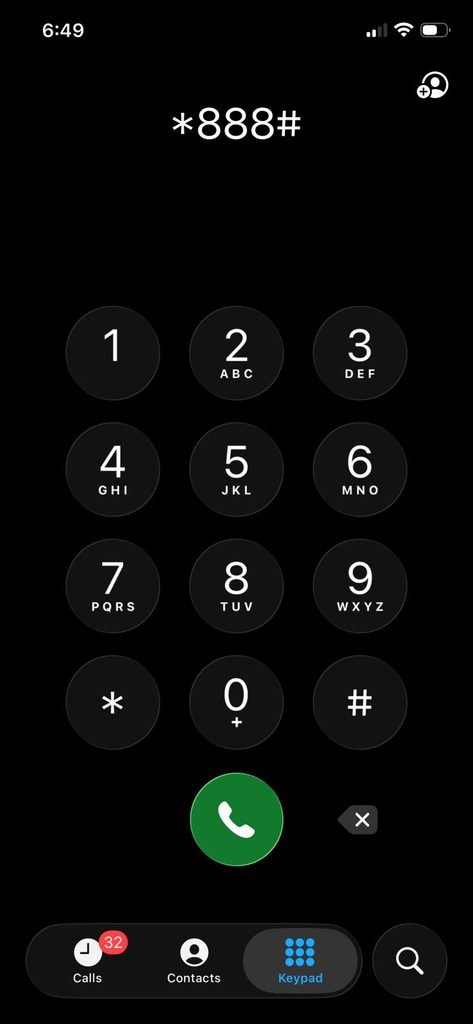
*888# | Alternative Number Check Code |
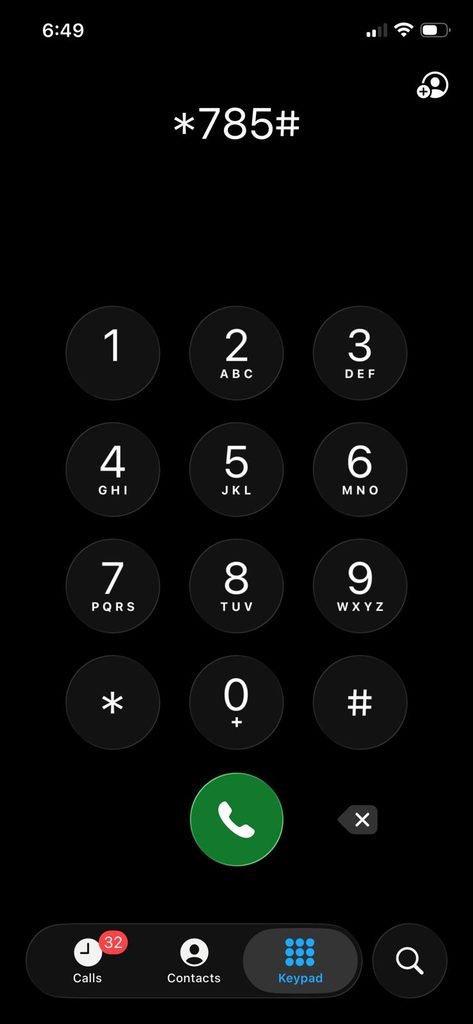
*785# | Alternative Method |
*555# | Alternative Method |
How to Check BSNL Mobile Number
Whenever we have to find our own mobile number, the best way is to use the BSNL Mobile Number Check Code given by BSNL for their customers to solve this problem.
The most frequently used code is *1#, you only need to dial it on your phone from dialing pad and once you dial it the you saw a message pop-up on your screen, where you where ask for confirmation to proceed, then you only need to click on that button.
In case if this BSNL USSD code is not work then there are other code *888# and *2# are also avaliable which you use to do the same thing, Once you use any of them correctly then your bsnl mobile number will pop-up on your screen.
- Open your phone’s Dial Pad.
- Enter any working code like *222#, *888#, *1#, *785# or *555#.
- Press the call button from your BSNL SIM.
- Wait a few seconds for the response.
- Your mobile number will appear on the screen.
If USSD Code Not Working? (Troubleshoot)
Sometimes, due to technical issues, the BSNL USSD code does not work. In this scenario, you do not need to panic because there are other method are also available. So come, guys, and know the other options.
1. Call to other Phone
This method is one of the oldest and best beause in this you not need to dial any Code you only need to call on other mobile phone and then you simply check you BSNL mobile number on that other phone, but this method have a advantage which is you need a cative calling plan on your Sim, then you only check your mobile number by calling.
2. Check your Phone Settings
you can also check you bsnl Sim Mobile number by just visiting on your setting then search SIM option then click on the view Sim, and now can sea your mobile number.
- Via SMS:Send NUM to 555 (where available).
- My BSNL App:Install the app and log in.
- Customer Care:Dial 1503 or 1800-180-1503.
- Call Your Friend:Your number will appear on their screen.
- Check SIM Pack:Mobile number is printed on the SIM pack.
FAQs on BSNL Mobile Number Check Code
Is there any SMS charge for checking the number?
No, checking your number through USSD is generally free.
Can postpaid users use USSD codes?
Yes, both prepaid and postpaid users can use these codes.
Can I check the number without balance?
Yes, provided your SIM is active.
Conclusion
Friends, we have throwly discuss on BSNL Mobile number check code, along with different ways, either you can use the BSNL USSD Code, call their phone, or even call customer care. I hope you understand well and loved my content.
If you really like it, then please share our blog and comment below.
Also Read

Thanks for sharing this useful information! I really appreciate the simple steps for checking my BSNL mobile number. It’s super handy to have the USSD and MMI codes all in one place. Keep up the great work!